
Download iZip – Free ZIP, RAR & ZIPX Compression Tool for macOS
Overview of iZip
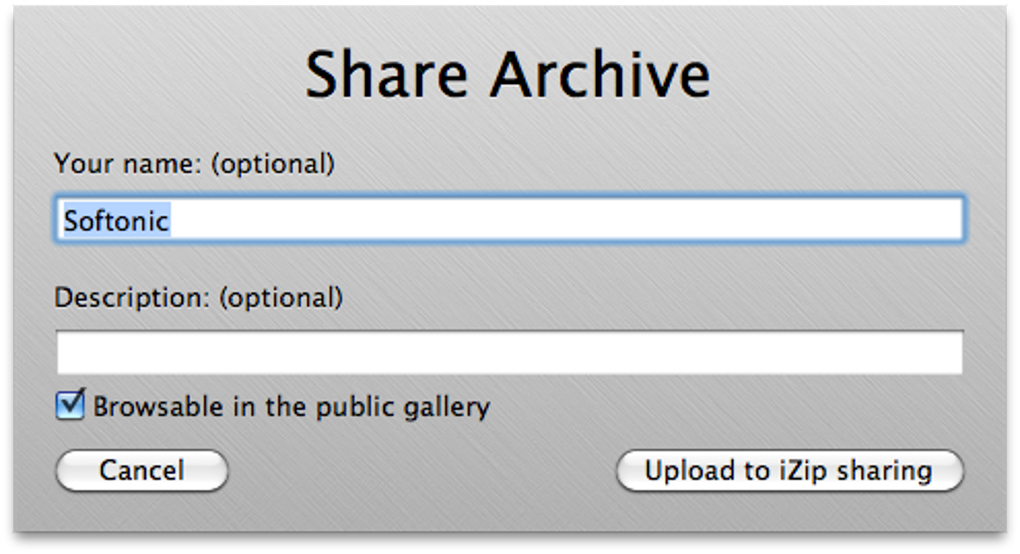
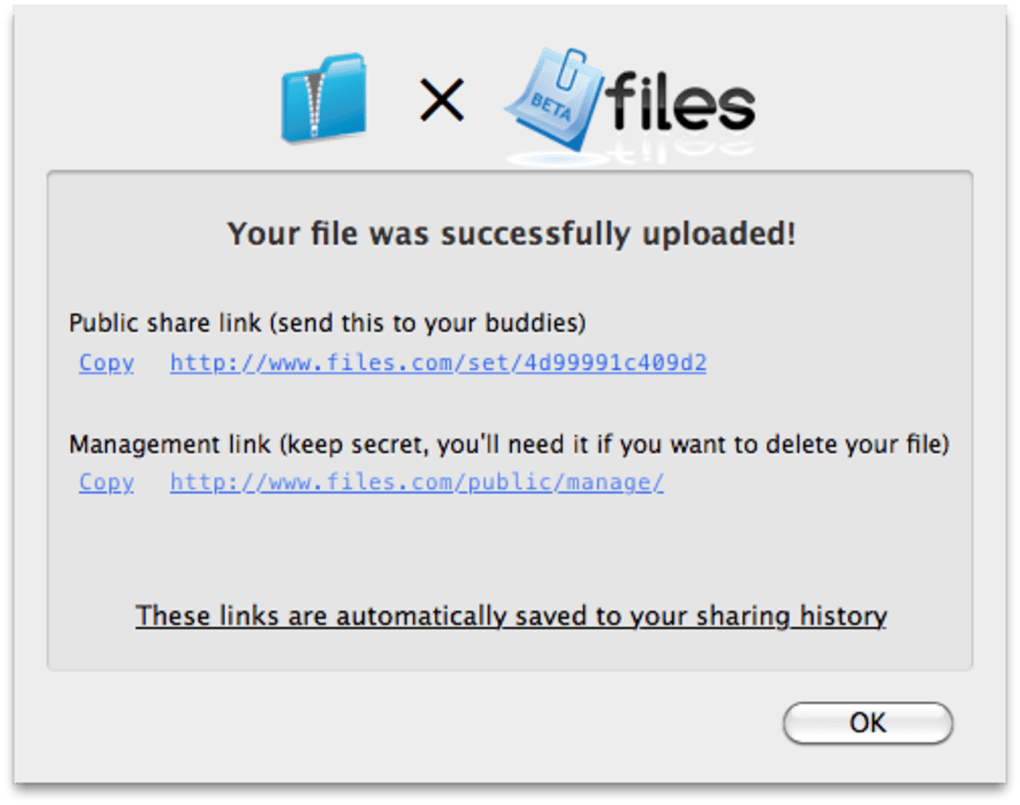
iZip is a practical, lightweight archiving utility designed for macOS users who need to unzip and compress a variety of archive formats, including ZIP, RAR and the less‑common ZIPX. Unlike traditional compressors that treat archives as opaque files, iZip mounts each archive as a virtual disk, letting you explore its contents directly from Finder. This “disk‑like” approach means you can preview, copy, or extract individual items without unpacking the entire package—a time‑saving feature for designers, developers, and anyone who works with large media libraries. iZip also integrates a simple sharing workflow through files.com, allowing you to upload an archive and generate a shareable link in a few clicks.
While the tool focuses on ease‑of‑use and visual browsing, it still offers the core compression capabilities expected from a modern archiver, such as password protection, drag‑and‑drop support, and batch processing. The latest update adds read‑write mounting, better compatibility with OS X 10.5 and newer, and a rebuilt 64‑bit core for faster performance on both Intel and Apple Silicon Macs. Whether you are a casual user looking for a free zip extractor or a power user who values Finder‑style navigation, iZip provides a secure, reliable, and visually appealing solution.
Key Features, Pros, Cons & Frequently Asked Questions
Feature List
- Supports ZIP, RAR, and ZIPX formats natively.
- Mounts archives as virtual disks for Finder‑style browsing.
- Cover‑flow view that mimics iTunes for quick visual selection.
- Drag‑and‑drop compression and extraction.
- One‑click upload to files.com with shareable link generation.
- Read‑write mounting option for on‑the‑fly file edits.
- Batch processing for multiple archives at once.
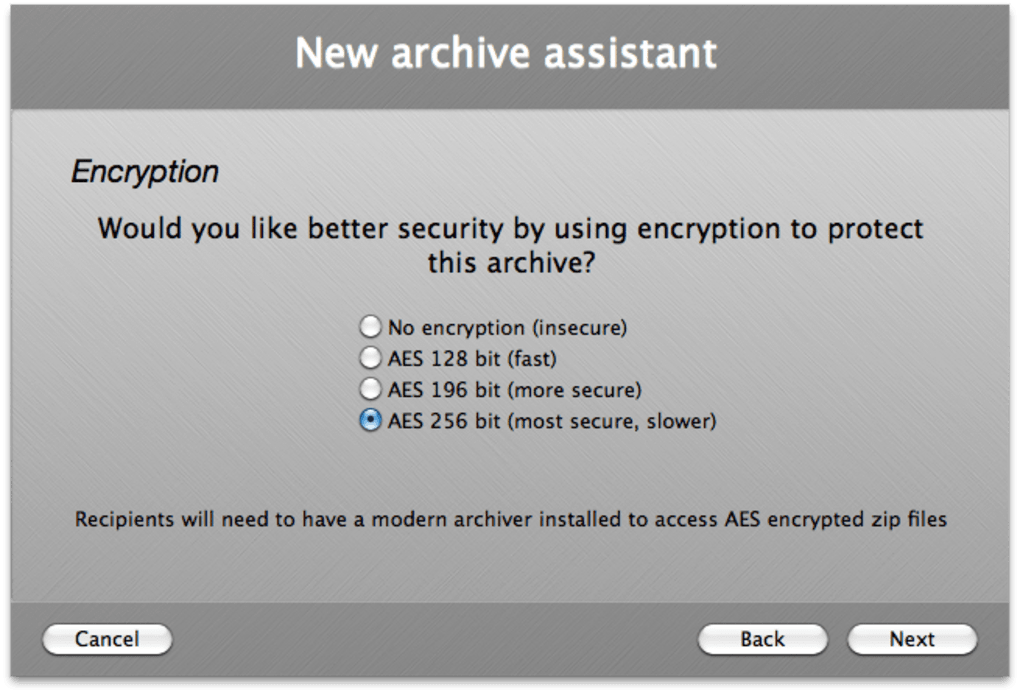
- Secure password protection for sensitive archives.
- Fully compatible with macOS 10.5 and later, including Apple Silicon.
- Free version with optional paid upgrades for advanced features.
Pros
- Intuitive UI: The Finder‑like interface eliminates the learning curve.
- Selective extraction: No need to unzip whole archives; pick what you need.
- Cross‑format support: Handles ZIP, RAR, and ZIPX without additional plugins.
- Fast performance: 64‑bit core and read‑write mounting speed up workflows.
- Free to use: Core features are available at no cost.
Cons
- Limited customization options for compression settings.
- No built‑in encryption beyond simple password protection.
- Sharing via files.com is not ideal for highly confidential data.
FAQ – iZip Users’ Most Common Questions
-
Can iZip open password‑protected archives?
Yes. iZip prompts you for the password when you attempt to mount a protected archive. The password is not stored, keeping your data secure.
-
Is iZip compatible with Apple Silicon Macs?
Absolutely. The recent rebuild includes native support for both Intel (i386) and Apple Silicon (x86_64) architectures.
-
Do I need an internet connection to extract files?
No. Extraction works entirely offline. The internet connection is only required if you use the files.com sharing feature.
-
Can iZip compress folders into ZIPX format?
Yes. iZip offers ZIPX compression, which provides better compression ratios for multimedia files compared with standard ZIP.
-
Is there a limit on the size of archives iZip can handle?
iZip can manage archives up to several gigabytes, limited mainly by the available disk space and macOS file‑system limits.
Installation, Usage & System Compatibility
Getting iZip up and running on your Mac takes just a few clicks. Visit the official website or the Mac App Store, click the “Download” button, and the installer will appear in your Downloads folder. Double‑click the .dmg file, drag the iZip icon into the Applications folder, and you’re ready to launch the app. The installer automatically verifies the code signature, ensuring a secure, malware‑free installation.
Once opened, iZip presents a clean window with three primary panes: a navigation sidebar, a preview area, and a actions toolbar. To extract an archive, simply drag the file onto the iZip window or use the “File → Open” menu. iZip will mount the archive as a virtual drive; you can then browse its contents in Finder, preview images, or copy specific files to any destination. If you prefer a quick extraction, select the files you need, right‑click, and choose “Extract to…” – iZip will handle the rest without creating an intermediate folder.
Compressing works the same way: select files or folders in Finder, right‑click, and choose “Compress with iZip.” A dialog appears where you can name the archive, pick the format (ZIP, ZIPX, or RAR), and optionally set a password. The read‑write mount option, introduced in the latest update, allows you to edit files directly inside the mounted archive and save changes without re‑compressing the whole package.
iZip is fully compatible with macOS 10.5 and later, including the latest Ventura and Monterey releases. The app runs natively on both Intel‑based Macs and Apple Silicon (M1, M2) thanks to its universal binary. Memory usage is modest—typically under 150 MB during extraction—making it suitable for older hardware as well.
For power users, iZip includes a preferences pane where you can enable “Mount archives in read‑write mode whenever possible,” toggle automatic file‑type associations, and set the default destination for extracted files. These settings are saved per‑user, so each account on a shared Mac can have its own configuration.
Conclusion & Call‑to‑Action
iZip delivers a balanced mix of simplicity and functionality that many macOS users have been missing from free archiving tools. Its unique disk‑mount approach turns what is normally a black‑box operation into an intuitive, visual experience—perfect for anyone who needs to extract a single photo from a large archive or quickly review the contents of a downloaded RAR file. While the lack of deep customization might deter advanced power users, the core features—broad format support, secure password handling, and seamless integration with Finder—are more than sufficient for everyday tasks.
If you’re looking for a free, secure, and visually engaging way to manage ZIP, RAR, and ZIPX archives on macOS, iZip is a solid choice. Download the latest version today, explore its virtual‑disk browsing, and enjoy hassle‑free compression without the bloat of heavyweight alternatives. For teams that need simple sharing, the built‑in files.com upload can speed up collaboration, though it’s wise to keep sensitive data protected with additional encryption tools.
Ready to simplify your archive workflow? Click here to download iZip for free and experience the convenience of a modern archiver built specifically for macOS.







